Best AI Short-Form Video Repurposing Tools in 2026
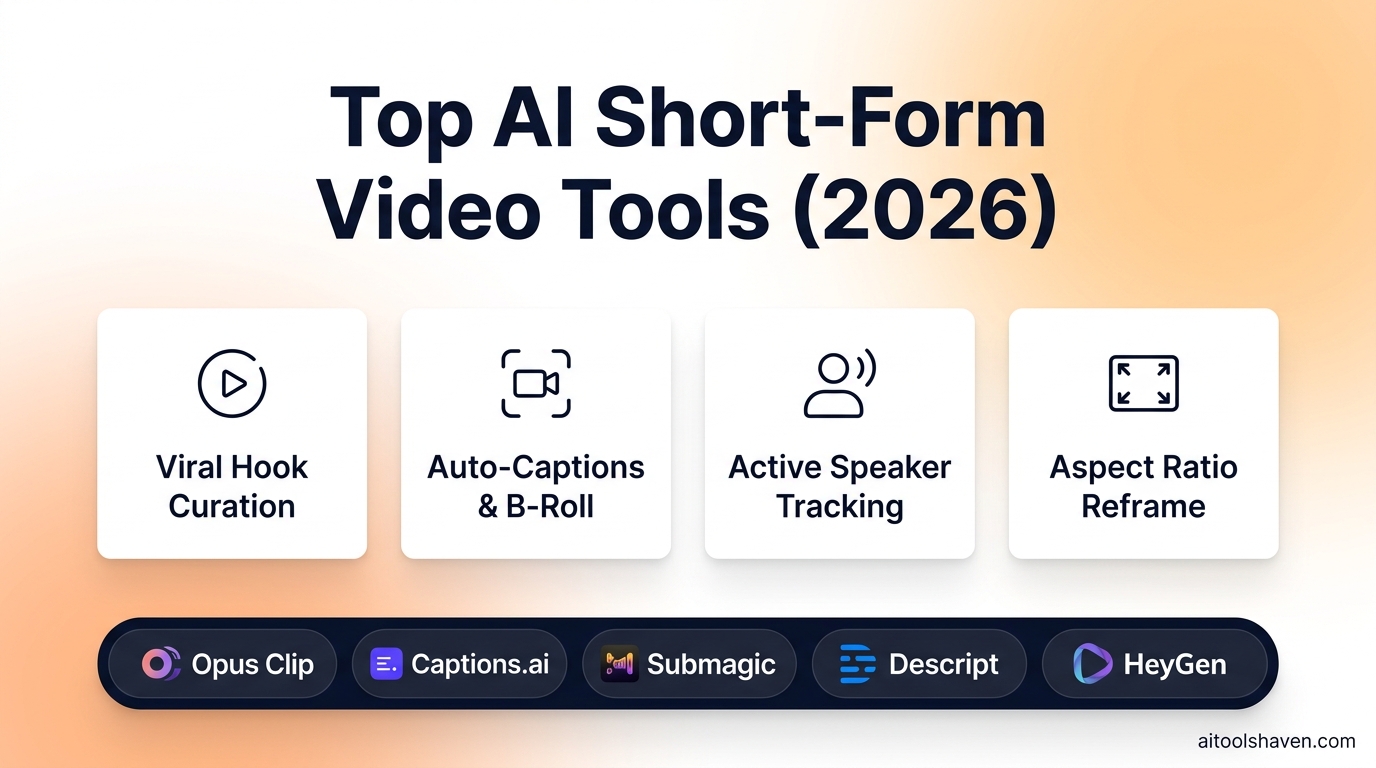
Short-form video is the undisputed engine of organic social distribution in 2026. However, manually scrubbing 60-minute timelines, animating captions, and framing active speakers wastes dozens of editing hours every week.
To solve this bottleneck, modern creators rely on specialized repurposing AI. The leading platforms in this space are Opus Clip (for virality score hook curation), Captions (for eye-contact fix & studio audio), Submagic (for dynamic b-roll & sound effects), and Descript (for text-based timeline editing).
auto_videocam Complete Video Stack
Looking to generate video clips from text or create avatar spokespersons? Explore our guides on Best AI Video Generators and Top AI Avatar Generators, or explore the AI Video Directory.
Quick Comparison Matrix
| Platform | Core Feature | Key Differentiator | Best Suited For |
|---|---|---|---|
| Opus Clip | Virality Hook Curation | AI Clip Score (0-100) based on social trend algorithms | Podcasters & YouTube Creators |
| Captions.ai | Studio Enhancement | AI Eye Contact redirection & 3D text tracking | Talking-head & TikTok Creators |
| Submagic | B-Roll & Sound FX | 1-click stock footage & auto-emojis integration | Shorts & Reels Content Agencies |
| Descript | Document-Style Editing | Filler word removal ('uh/um') & Overdub voice fixes | Production Teams & Long-form Editors |
Why Short-Form Video Repurposing Dominates in 2026
Organic reach on social platforms like TikTok, Instagram Reels, and YouTube Shorts is heavily dictated by retention curves and hook quality. Publishing just one long-form YouTube video a week is no longer enough to stay competitive; growth teams must distribute 15 to 30 micro-clips across every vertical channel.
Modern AI repurposing tools analyze speech sentiment, vocal volume spikes, and scene changes to detect the exact 30 seconds that will hold a viewer's attention. Instead of spending 5 hours in Premiere Pro cutting clips, a creator uploads a YouTube URL and receives 10 fully edited, captioned, and reframed vertical videos in under 3 minutes.
Top 4 Short-Form Repurposing Tools: Deep Dive
1. Opus Clip - Best for Automated Virality Scoring
Opus Clip is the undisputed leader for podcast and long-form interview repurposing. Simply drop in a YouTube link or MP4, and Opus Clip’s AI models analyze the narrative arc, generate dynamic timestamps, and score each clip based on its likelihood to go viral on TikTok.
- Key Features: AI Virality Score, automated active speaker tracking, dynamic karaoke-style subtitles, and native auto-scheduling to social media accounts.
- Integrations: YouTube, Google Drive, Zoom, TikTok, Instagram, LinkedIn.
- Virality score accurately highlights engaging anecdotes and punchlines.
- Multi-speaker auto-reframing automatically splits screen during conversations.
- Direct social export saves massive manual download time.
- Less control over precise millisecond audio cuts.
- Credit-based monthly rendering quotas.
Pricing: Free tier available; Starter plans from $9/month; Pro plans at $29/month with 300 processing minutes.
2. Captions - Best for Talking Head Creators
Captions is an end-to-end studio in your pocket. Built primarily for creators recording directly into their phone or camera, Captions uses computer vision to adjust your eye gaze directly into the lens, remove background hiss, and apply dynamic 3D typography that follows camera movement.
- Key Features: AI Eye Contact redirection, Studio Sound remastering, automated AI b-roll generation, and multi-language lipdub translation.
- Integrations: iOS, Android, Desktop Web, Final Cut Pro XML export.
- Eye Contact feature looks astonishingly natural without robotic staring.
- Studio Sound turns noisy coffee shop audio into broadcast microphone quality.
- Trendy, high-converting caption fonts and emoji presets.
- Best suited for single-person talking head formats rather than multi-guest shows.
- Desktop version is slightly less feature-rich than mobile app.
Pricing: Subscriptions start at $9.99/month on mobile; Creator Pro at $25/month.
3. Submagic - Best for Auto B-Roll and Retention Sound FX
Submagic is engineered specifically to maximize average watch time. By analyzing the emotion and keywords in your speech, Submagic inserts relevant stock b-roll clips, memes, zoom cuts, and synchronized sound effects (whooshes, cash registers, bells) right before audience drop-off points.
- Key Features: AI auto B-roll matching, retention sound FX (whooshes, cash registers, bells), animated emojis, and hook title templates.
- Integrations: Web-based cloud editor, Storyblocks stock integration, Giphy.
- Eliminates 90% of manual b-roll searching on stock websites.
- Sound effects make fast-paced edits feel cinematic and energetic.
- One-click Alex Hormozi and Ali Abdaal subtitle aesthetics.
- B-roll matching occasionally selects literal stock footage that needs manual tweaking.
- Higher starting price for agency volume.
Pricing: Basic plan starts at $20/month; Pro plan at $50/month with unlimited exports.
4. Descript - Best for All-in-One Podcast & Script Editing
Descript pioneered document-style video editing. Instead of dragging timeline playheads, you simply highlight and delete words from the generated text transcript, and the underlying video and audio are instantly clipped with zero artifact clicks.
- Key Features: Automatic filler word removal ('uh/um/like'), Overdub AI voice correction, Studio Sound remastering, and multi-track audio leveling.
- Integrations: Premiere Pro, Final Cut Pro, YouTube, Spotify for Podcasters, Riverside.fm.
- 1-click removal of 500 filler words across a 2-hour podcast in 5 seconds.
- Overdub allows you to type a replacement word and synthesize your voice seamlessly.
- Unrivaled for professional long-form podcast post-production.
- Requires desktop application download for best performance.
- Slight learning curve for complex multi-camera editing tracks.
Pricing: Free plan available; Hobbyist starts at $12/month; Creator plan at $24/month with 30 transcription hours.
Are You Building a Video Editing or AI Creative Tool?
Content creators, agencies, and video editors visit AIToolsHaven every day to optimize their production workflows. Get your tool listed and sponsored in our verified directory.
Submit Your Tool rocket_launchThe Ideal 2026 Content Repurposing Workflow
To maximize reach without editing fatigue, top media companies execute this 4-step automated publishing pipeline:
- Step 1: Record & Master Audio: Record your episode in 4K using a podcast host like Riverside, then import into Descript to strip filler words and normalize audio.
- Step 2: Automated Viral Extraction: Export the polished master video into Opus Clip to automatically extract the top 10 highest-scoring vertical clips.
- Step 3: Retention Enhancement: Open selected clips inside Submagic or Captions to add eye contact corrections, kinetic emoji animations, and retention sound effects.
- Step 4: Multi-Channel Syndication: Schedule the 10 vertical clips across TikTok, YouTube Shorts, Instagram Reels, and LinkedIn over the following 14 days.
Featured Tools Mentioned in this Guide
Directly compare pricing, verified ratings, and capabilities in our directory.

Captions
0AI video studio for creators that adds eye-tracking correction, automatic subtitles, and AI dubbing.

Descript
star4.8All-in-one podcast and video editor where you edit audio and video by editing text.

Opus Clip
star4.8Generative AI video repurposing tool that turns long YouTube videos and podcasts into viral short clips.

Submagic
star4.8Automated caption and video hook generator that styles short-form videos with animated subtitles, emojis, and sound effects.