Top AI Video Upscalers & Enhancement Software in 2026
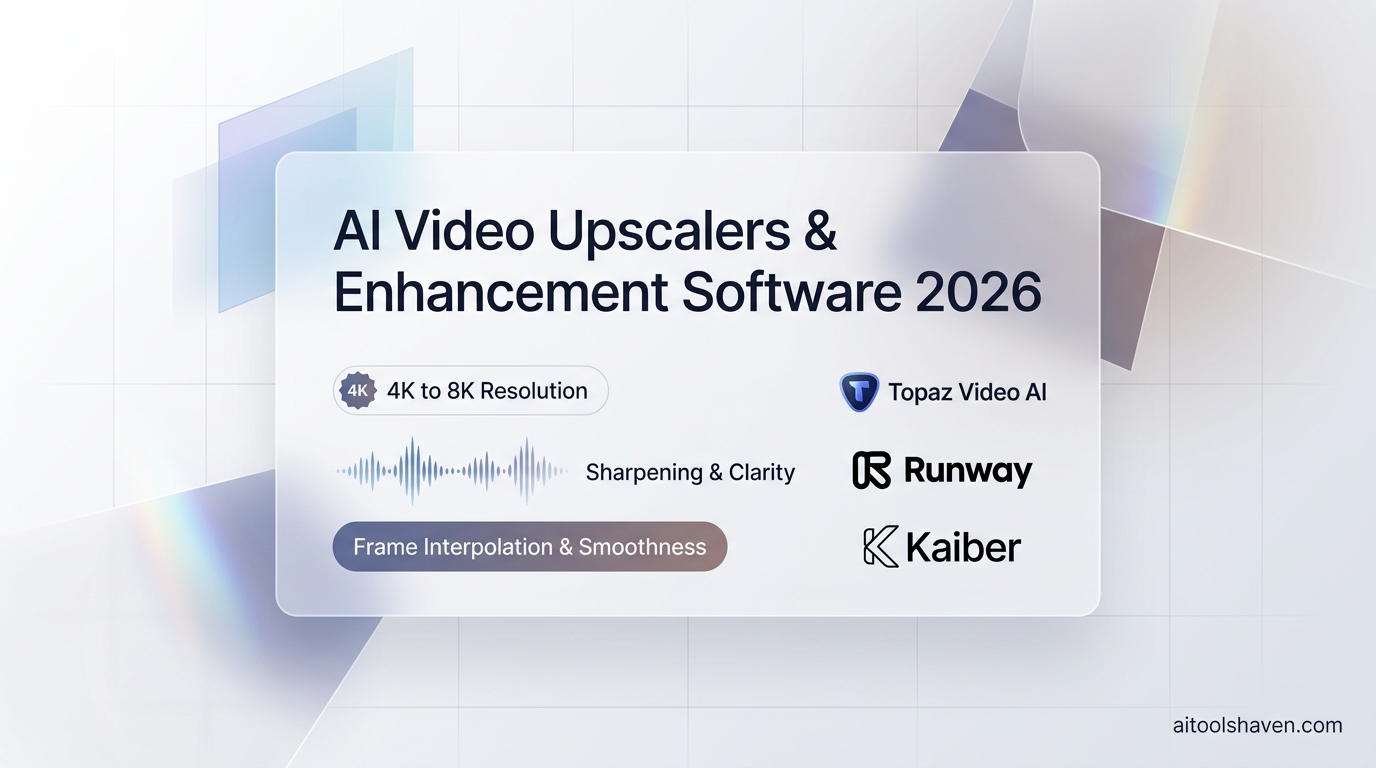
Whether you are restoring archival 480p footage or upscaling raw AI video generations from 720p to crisp 8K, traditional bicubic scaling is no longer acceptable. Modern AI video upscalers reconstruct missing micro-textures, skin pores, and lighting reflections across consecutive frames.
The top software suites leading this space in 2026 are Topaz Video AI (for GPU-accelerated artifact reduction & 120fps slow-mo), Runway Gen-3 Alpha (for generative 4K expansion), and Kaiber (for stylized visual enhancement).
hd Professional Video Restoration
Looking to generate new footage from scratch? Read our benchmark review of The Best AI Video Generators in 2026 or browse our complete Video AI directory.
Quick Comparison Matrix
| Software | Processing Mode | Max Upscaling | Best Suited For |
|---|---|---|---|
| Topaz Video AI | Local GPU (Mac / PC) | Up to 8K (60/120 fps) | Broadcasters, Colorists, Archival Restoration |
| Runway Gen-3 Alpha | Cloud AI Super-Resolution | 4K Ultra HD | Filmmakers refining generative AI clips |
| Kaiber | Cloud Diffusion Animation | 4K Stylized Render | Music video creators & VFX artists |
Why Neural Video Upscaling Beats Legacy Interpolation
Traditional upscalers duplicate adjacent pixels, resulting in blurry, unnatural muddy textures. Modern neural AI video models use temporal information from adjacent frames to calculate true motion vectors, sharpening fine facial pores, hair strands, and fabric weaves with realistic precision.
In addition to resolution upscaling, AI models perform motion deblurring, camera shake stabilization, and frame rate interpolation (converting standard 24fps cinematic footage into silky-smooth 60fps or 120fps high frame rate streams) without introducing weird temporal jelly artifacts.
Top 3 AI Video Upscalers & Enhancement Software
1. Topaz Video AI - The Industry Benchmark for Video Restoration
Topaz Video AI is the standalone desktop software trusted by major broadcast networks, streaming services, and Hollywood post-production houses. Its specialized neural models (Proteus, Iris, Gaia, Chronos) target specific video defects such as deinterlacing, compression artifact smoothing, and facial feature recovery.
- Key Features: Iris face recovery model, Chronos Fast smooth slow-motion interpolation, Themis motion deblurring, and local hardware GPU acceleration (Nvidia RTX & Apple Silicon).
- Integrations: Standalone Mac/PC application with batch processing CLI for enterprise render farms.
- Unrivaled image sharpness and natural texture retention.
- 100% local processing guarantees total privacy and zero cloud transfer fees.
- One-time perpetual licensing model.
- Requires powerful local GPU hardware (RTX 4070+ or M2/M3 Max recommended).
- 8K rendering on long feature films can take several hours.
Pricing: $299 one-time perpetual license with 1 full year of neural model upgrades included.
2. Runway Gen-3 Alpha - Best for Cloud-Based Generative Upscaling
While Topaz enhances existing real-world frames, Runway Gen-3 Alpha uses diffusion generative super-resolution to hallucinate missing cinematic textures when upscaling AI video generation clips from 720p base renders to 4K delivery formats.
- Key Features: Cloud AI super-resolution, motion brush inpainting, aspect ratio outpainting, and timeline upscaling.
- Integrations: Web browser, Adobe Premiere Pro plugin, cloud API.
- Cloud-based rendering requires zero expensive local GPU hardware.
- Native integration with Gen-3 text-to-video generation pipelines.
- Fast rendering speeds on cloud A100 server clusters.
- Requires monthly cloud subscription credits.
- Less control over specific video noise grain profiles than Topaz.
Pricing: Plans start at $12/month; Pro plans at $76/month with unlimited high-speed rendering.
3. Kaiber - Best for Stylized AI Video Transformation
Kaiber is famous in the music video and VFX industry for converting standard live-action videos into animated anime, cyberpunk, or oil painting visual masterpieces while upscaling the final timeline to 4K resolution.
- Key Features: Video-to-video style transfer, audio-reactive animation pacing, prompt-driven camera choreography, and 4K super-sampling.
- Integrations: Web studio, Spotify Canvas generator, Adobe Creative Cloud export.
- Incredible aesthetic styles used by artists like Linkin Park and Kid Cudi.
- Audio reactivity syncs visual beats and colors to music basslines.
- Intuitive browser interface requiring zero coding knowledge.
- Designed for artistic stylization rather than clean corporate upscaling.
- Heavy credit consumption on 4K renders.
Pricing: Explorer plan starts at $5/month; Pro tier at $15/month; Artist tier at $30/month.
Feature Your Video Enhancement Tool
Over 40,000 video creators, colorists, and post-production studios search AIToolsHaven every month. Secure spotlight placement for your software today.
Submit Your Tool rocket_launchBest Practices for AI Video Upscaling
To avoid unnatural digital artifacts and achieve true photorealistic 4K/8K master renders, implement these professional post-production workflows:
- De-Noise Before Upscaling: Always run a dedicated temporal de-noise pass before increasing resolution. If you upscale a noisy frame, the AI will sharpen the noise particles into harsh digital artifacts.
- Match Neural Models to Subject Matter: Use face-recovery models (like Iris) exclusively on human subjects, and switch to geometric architecture models (like Gaia) for cityscapes and VFX.
- Cap Frame Interpolation at 60fps: While 120fps is supported, interpolating 24fps cinematic footage above 60fps often creates an unnatural "soap opera effect". 60fps provides the ideal balance of fluid motion and cinematic realism.
Featured Tools Mentioned in this Guide
Directly compare pricing, verified ratings, and capabilities in our directory.

Kaiber
star4.6Generative AI animation and video engine for music artists, animators, and creative directors.

Topaz Video AI
star4.8Professional video enhancement software that uses deep neural networks for frame interpolation, upscaling, and de-interlacing.